Thermal Transfer Ribbons

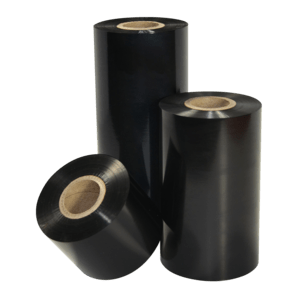
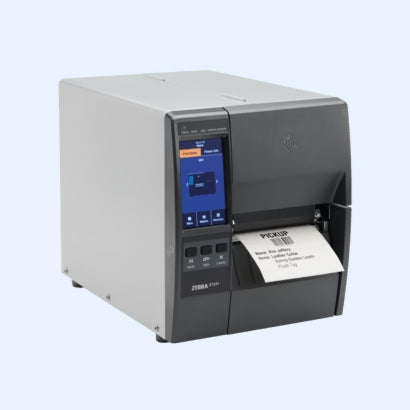
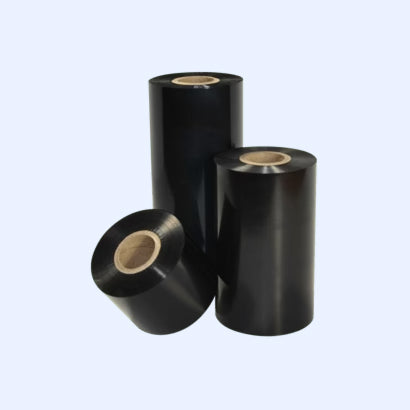
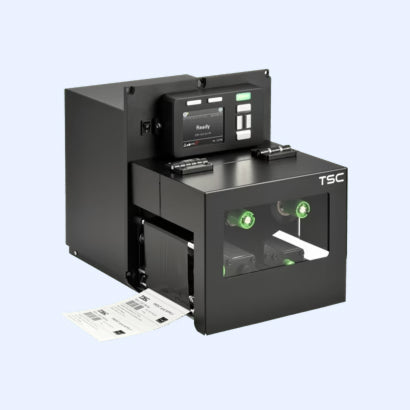
A thermal transfer printer prints by melting ink from a ribbon onto the label. Get the ribbon wrong and the print smudges off in a week, or the printhead wears out early. Get it right and the label outlives the product. This page explains how to choose, and stocks ribbons in all standard widths for Zebra, Honeywell, TSC and Citizen printers.

Wax, wax-resin or resin?

Ribbon type Use with Durability Typical use
Wax Matte paper labels Handles normal handling and storage; smudges under abrasion, oil or solvents Shipping labels, warehouse and stock labels, short-term product marking — the economical everyday choice
Wax-resin Coated and semi-gloss paper, some synthetics Resists smudging, mild abrasion and moisture Retail and product labels, labels handled often, cold and damp storage
Resin Synthetic labels — polypropylene, polyester Withstands chemicals, solvents, heat, UV and heavy abrasion Chemical and GHS labelling, asset tags, outdoor use, laboratory and long-term archive labels

Match the ribbon to the label, not to the printer

This is the rule that decides print quality. Wax will not bond to a synthetic label — it prints, looks fine, and wipes off with a thumb. Resin on plain paper works but wastes money and can need higher printhead temperature than the job requires.

  • Paper label → wax
  • Coated or semi-gloss paper → wax-resin
  • Polypropylene or polyester → resin

If you don't know what your labels are made of, the supplier's product code will say — and it's worth confirming before ordering a case of ribbons.

Ink side: in or out

Ribbons are wound with the ink facing either outwards (CSO / ink-out) or inwards (CSI / ink-in), and a printer accepts only one. Fitting the wrong wind means the ribbon runs through and prints nothing, because the ink never touches the label.

As a general guide, Zebra desktop and industrial printers use ink-out, while several Honeywell and Intermec models use ink-in. The wind direction is listed on every product page here — check your printer manual if you're unsure.

Width and length

Width: the ribbon should be at least as wide as your label, ideally slightly wider. A ribbon narrower than the label leaves unprinted edges and lets the printhead run directly on the label, which shortens printhead life.

Length: desktop printers typically take 74–300 m rolls, industrial printers 450 m and above. A longer roll means fewer changes per shift, but the roll has to physically fit the printer — check the maximum ribbon length for your model.

Ordering

Ribbons are supplied in cases, and the minimum order quantity varies by product — commonly 6, 12 or 24 rolls per case. The quantity is shown on each product page.

All ribbons below are genuine manufacturer consumables.

Need labels to go with them? Browse thermal labels → Labelling chemicals? See the GHS / CLP printers → Printing parcel labels? Those printers are direct thermal and need no ribbon — see shipping label printers →

Sort by
  • Featured
  • Most relevant
  • Best selling
  • Alphabetically, A-Z
  • Alphabetically, Z-A
  • Price, low to high
  • Price, high to low
  • Date, old to new
  • Date, new to old
There are 374 results in total

Featured
  • Featured
  • Most relevant
  • Best selling
  • Alphabetically, A-Z
  • Alphabetically, Z-A
  • Price, low to high
  • Price, high to low
  • Date, old to new
  • Date, new to old
Sold out
Thermal transfer ribbons, Zebra, resin, 110 mm, 450 m, Out, White (74912)
Sold out
Thermal transfer ribbons, Zebra, resin, 60 mm, 450 m, Out, White (74736)
Sold out
Thermal transfer ribbons, Zebra, resin, 83 mm, 450 m, Out, White (74702)